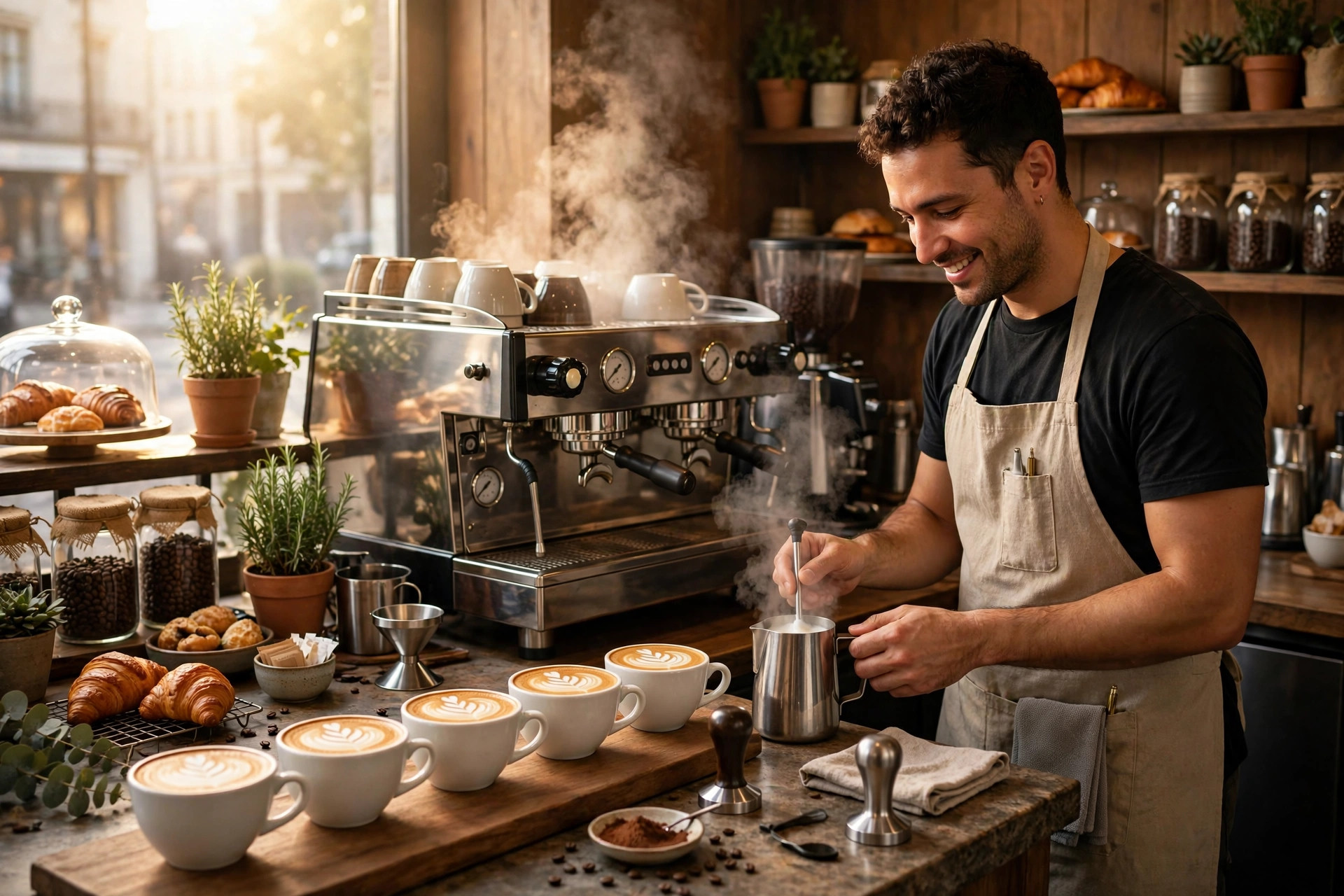
Baristas juggle far more than pulling shots. Between the morning rush, the milk order and the rota, there is barely a quiet minute to write a menu description or reply to a review. These seven copy-paste AI prompts for baristas turn ChatGPT, Claude or Gemini into a back-of-house helper that handles the words while you handle the coffee.
How to use these AI prompts for baristas
Paste a prompt into your AI tool of choice, fill in the square brackets with your own details, and edit the result before you send or post it. The prompts work best with real context: your menu, your opening hours, the names of your regulars' drinks. Keep customer names and personal details out of the prompts, and always read the draft once before it goes anywhere public.
The 7 daily AI prompts for baristas
1. The shift handover note
Use it for: handing over cleanly so the next barista never has to guess.
Write a short shift handover note for a coffee shop barista. Include: milk and beans running low [list items], equipment issue [describe it], regular customer notes [names and drinks], and two tasks for the next shift. Keep it under 120 words, bullet points, friendly tone.2. The seasonal menu description
Use it for: making a new drink sound worth trying on the board and online.
Write a 40-word menu description for a seasonal coffee drink called [drink name], made with [ingredients]. Mention the flavour notes [notes], keep it warm and inviting, and end with a one-line suggestion for a food pairing from a café menu.3. The polite "we are out of oat milk" reply
Use it for: answering a disappointed regular without sounding defensive.
Draft a friendly reply to a regular customer who is disappointed we have run out of [item]. Apologise briefly, suggest the closest alternative [alternative drink], offer a small gesture [e.g. a free extra shot next visit], and keep it to three sentences.4. The weekly stock and supplier order
Use it for: turning a messy stock count into a clean order list.
Turn this stock list into a supplier order email: current stock [paste list], par levels [paste levels], supplier [name]. List what to order and how much, flag anything below par, and write the email in a polite, professional tone ready to send.5. The latte art social post
Use it for: turning today's best pour into a post that brings people in.
Write an Instagram caption for a photo of latte art in a [cup type] at a neighbourhood coffee shop. Mention [today's special or event], keep it under 60 words, add a question that invites comments, and suggest 5 relevant hashtags.6. The five-star review reply
Use it for: thanking happy customers in a way that sounds human, not templated.
Write a warm, personal reply to this five-star Google review for our coffee shop: "[paste review]". Mention one detail from their review, invite them back for [drink or event], and keep it under 50 words. Do not sound like a template.7. The new-starter training checklist
Use it for: getting a new barista confident on the bar in their first week.
Create a first-week training checklist for a new barista at a small coffee shop. Cover: espresso dial-in, milk steaming, till and card payments on [Square or Toast], cleaning routine, allergen basics, and customer greeting. One page, checkboxes, plain language.Make the prompts your own
Save the seven prompts in a notes app or a shared document behind the counter, and tweak the bracketed details once for your shop: your POS system, whether you run Square or Toast, your rota tool such as 7shifts or Homebase, and your house beans. The more specific the context you paste in, the less editing the draft needs. After a week, keep the three prompts you actually used and rewrite the rest around your real jobs.
Related guides on NextGenAIVibe
- 7 AI Prompts for Food Truck Owners: Daily Pack 2026
- 7 AI Prompts for Chefs & Caterers: Daily Pack 2026
Tags: #AIPrompts #Baristas #CoffeeShop #ChatGPT #Productivity #CafeLife #AITools #PromptGuide

Comments (0)