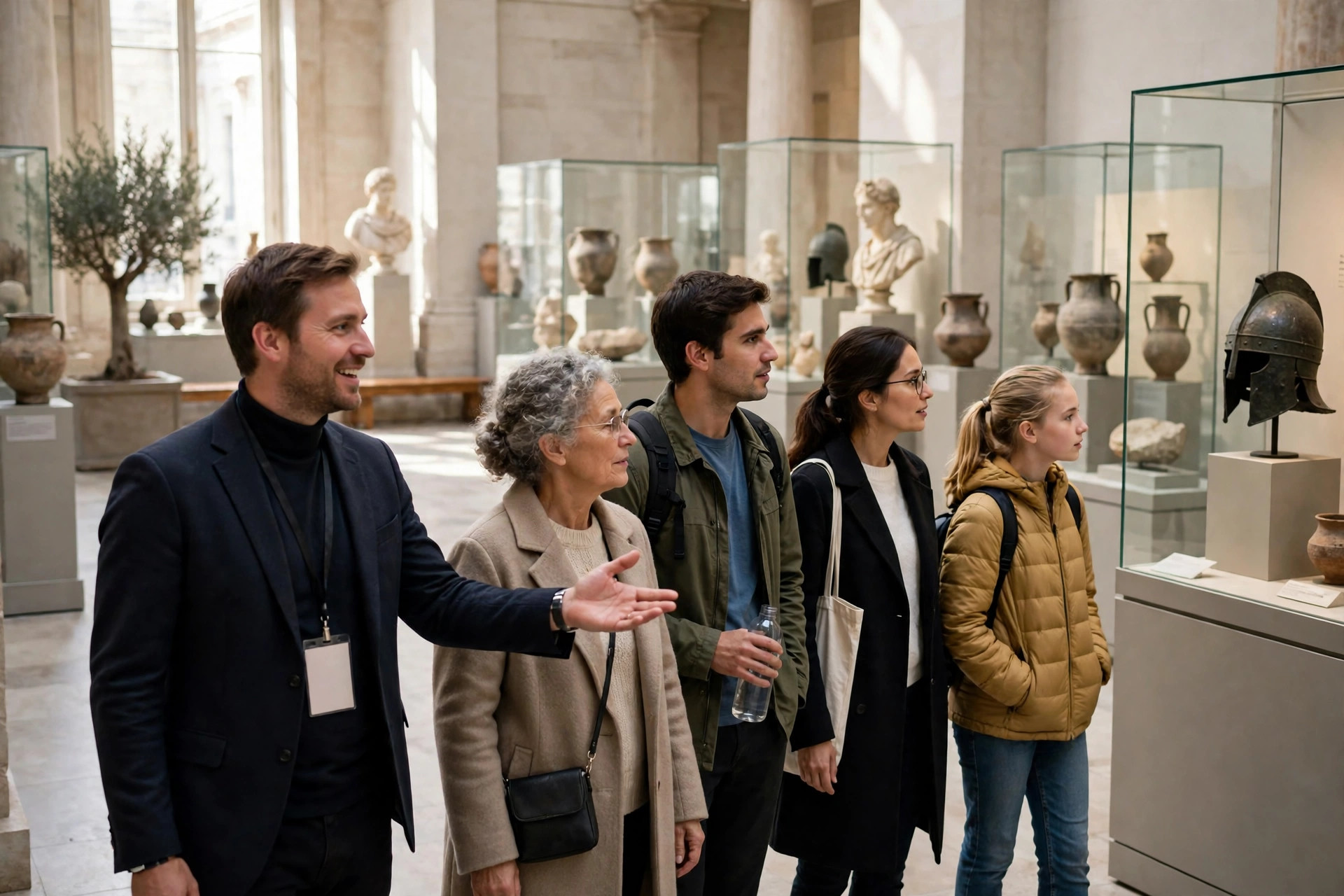
Great museum tours are built on careful planning: a clear story, a workable route, and language every visitor can follow. These AI prompts for museum guides help you prepare faster in ChatGPT, Claude or Gemini. Paste each prompt, add your object notes, and check every fact against your museum's records.
AI prompts for museum guides: plan the story first
Start with the outcome: decide what visitors should feel, do or understand, then build around a strong story, not a list of dates.
1. Turn object notes into a tour storyline
Use case: shape a themed route from a pile of object notes.
Act as a museum interpretation coach. Turn my notes on [number] objects in [gallery/exhibition] into a 30-minute tour storyline: one theme, an opening hook, three story beats, and a closing discussion question. Flag any unverifiable fact.
2. Write a 90-second stop script
Use case: keep each stop focused and memorable.
Write a 90-second spoken script for this object: [paste object notes]. Cover what it is, who made or used it, one human story, and why it matters today. Use plain English, explain any jargon, and end with one question for the group. Do not invent dates or details.
Make every tour accessible and inclusive
Think about sightlines, seating, hearing, step-free routes and clear language from the start. Use these prompts to stress-test your plan.
3. Accessibility-check my route
Use case: spot barriers before visitors do.
Review this museum tour route: [paste route and stops]. List likely barriers for wheelchair users, visitors with low vision, hearing loss, and people who need seating or quieter spaces. Suggest practical fixes, a step-free alternative for each problem stop, and wording to explain the change warmly.
4. Adapt the tour for children and families
Use case: turn an adult tour into a family-friendly version.
Adapt this tour script for children aged [age range] with adults: [paste script]. Keep the same objects, shorten each stop, add one look-and-find challenge and one hands-on or imagination moment per stop, and keep every fact accurate to my notes.
Handle questions, groups and busy days
5. Prepare for tough visitor questions
Use case: rehearse answers without guessing.
From these object notes only: [paste notes], list 10 likely visitor questions with short honest answers. Where notes don't answer, write a polite 'we don't know yet' response instead of guessing.
6. Write a calm plan for a busy gallery
Use case: keep the group together when galleries fill up.
Our gallery gets crowded at [times]. Rewrite my tour plan [paste plan] with a quieter route, gathering points where everyone can see and hear, shorter stops near bottlenecks, and friendly phrases to regroup visitors without rushing them.
7. Turn visitor feedback into a better tour
Use case: improve the next tour from real comments.
Summarise this visitor feedback: [paste comments]. Group it into what visitors loved, what confused them, and what they asked for. Then suggest three specific changes to my script and route, each tied to a comment, plus one thing to keep exactly as it is.
Quick tips for using these prompts well
Paste verified object notes every time and treat the AI as a drafting partner, never a source. Keep stops short, tell one story at a time, and leave space to look and explore. A closing discussion question extends the visit beyond the gallery.
Related guides on NextGenAIVibe
- 7 AI Prompts for Piano Tuners 2026: Daily Pack
- 7 AI Prompts for Swimming Coaches 2026: Daily Pack
- How to Use Firecrawl in 2026: 7 Steps
Tags: #AIPrompts #MuseumGuides #ChatGPT #PromptGuide #Museums #Productivity #AITools

Comments (0)