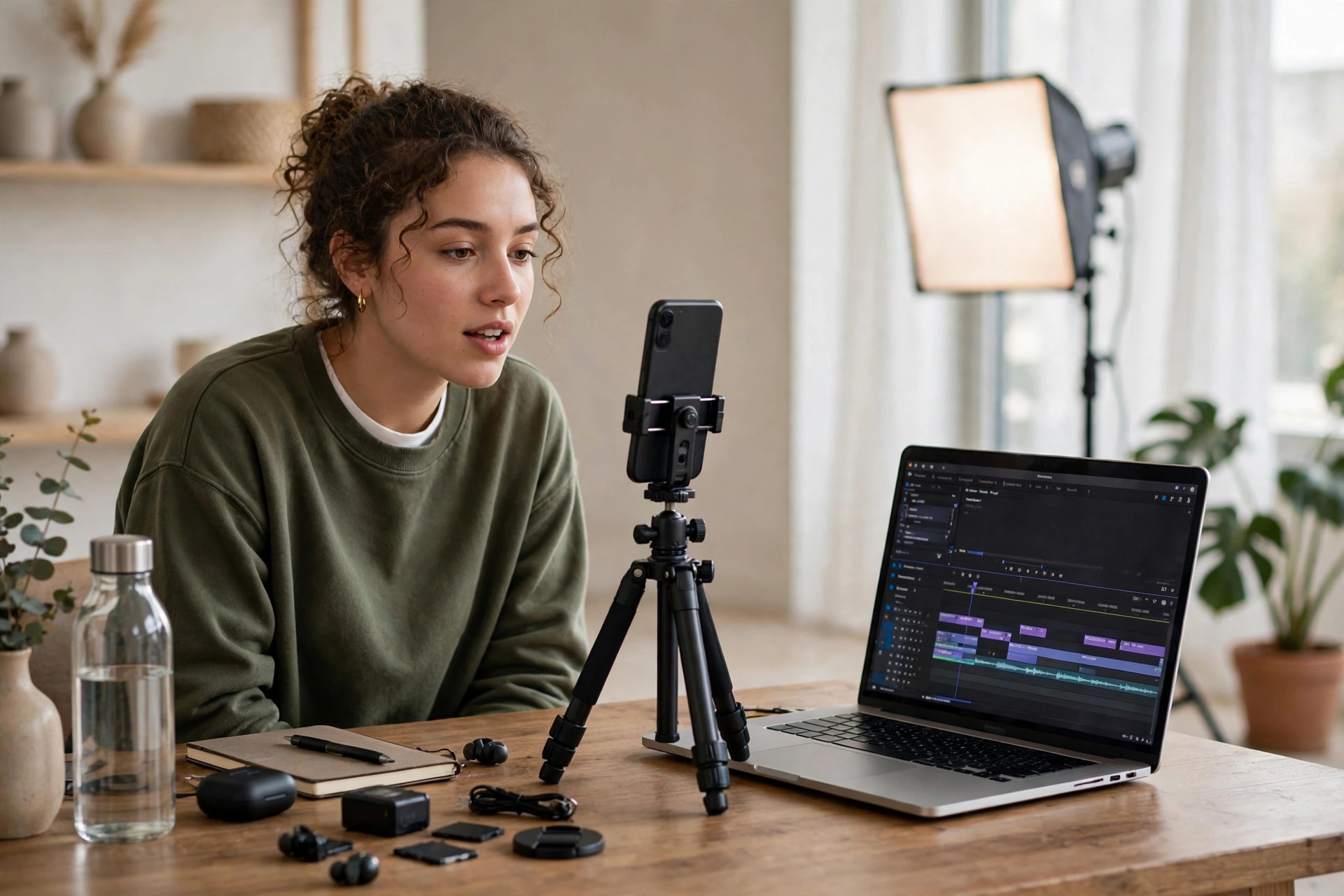
Short-form video is where most audiences live in 2026 — TikTok, Reels and Shorts — and AI has removed almost all of the technical barrier to making it well. The tools below cover every job in the workflow: cutting long footage into clips, editing by typing, adding captions people actually read, and generating footage from scratch. You do not need all ten: pick the ones that fix the stage where you lose the most time.
How we ranked the best AI tools for short-form video
Each tool was judged on five things: how well it solves one real short-form job, the quality of its AI output on genuine footage, pricing value, how it fits a creator's workflow, and whether its free tier is actually useful. Tools that only repackage a chatbot did not make the cut.
10. FrameOS — Best for clipping with full reframing control
FrameOS turns one long video into a batch of ready-to-post short clips, with full control over how each clip is reframed to vertical. It is the pick for creators who want the automation of AI clipping without giving up framing decisions. Paid plans start from around $4.50 a month. Verdict: clipping automation for creators who still want the final say on the frame.
9. Runway — Best for generative video and creative effects
Runway generates video footage and creative effects from text and image prompts, so you can create B-roll, transitions and whole scenes no camera ever shot. It is the most creative tool on this list — and the least like an editor. Paid plans start from around $28 a month. Verdict: best when the footage you need does not exist yet.
8. Kapwing — Best browser editor for teams
Kapwing runs entirely in the browser and is built around real-time collaboration: several people can edit captions, resize a video for different platforms and apply brand kits in the same project at once. No install, no file juggling. A free tier is available, with paid plans in the $20s a month. Verdict: the team pick for social clips.
7. Captions — Best for talking-head and avatar clips
Captions is built for talking-head video: accurate captions, eye-contact correction, AI avatars and quick clean-ups that make a selfie-style clip look professionally shot. It is the fastest route from a raw take to a polished post. Paid plans start from around $10 a month. Verdict: best if you film yourself talking to the camera.
6. Filmora — Best traditional timeline with AI built in
Filmora pairs a familiar multi-track timeline with AI features throughout: auto-reframe, silence removal, smart cut and AI-generated effects. It suits creators who want real editing control with AI doing the tedious parts. Verdict: the classic editor, modernised.
5. VEED — Best fast browser all-rounder
VEED is the browser all-rounder: its AI Auto Edits tool analyses a raw clip and proposes an edited cut in one pass — aspect ratio, clean audio, B-roll suggestions and auto-captions included. Its subtitle workflow stands out, captioning in more than 125 languages and dubbing while preserving the original voice. A free tier is available, with the Lite plan from around $19 a month. Verdict: the fastest path from raw footage to a postable clip.
4. Submagic — Best for animated captions that hold attention
Submagic specialises in the last mile of a short: styled, animated word-by-word captions in dozens of languages, emphasis zooms and automatic B-roll insertion. Most people watch on mute, and word-level captions lift retention — Submagic makes that polish automatic. Paid plans start from around $19 a month. Verdict: the finishing tool that makes a clip look professionally produced.
3. Descript — Best for editing by typing
Descript turned video editing into word processing: it transcribes your footage, and you cut the video by deleting text from the transcript. Its Underlord co-editor goes further — ask in plain language and it removes filler words, fixes eye contact, adds captions and drafts clips for you to review. A free tier is available, with paid plans from around $16 a month. Verdict: unbeatable for talking-head and podcast video.
2. OpusClip — Best for turning long video into Shorts
OpusClip does one job brilliantly: it watches a long recording, finds the most engaging moments, cuts them into vertical clips, adds animated captions and assigns each clip a virality score based on its predicted social performance. If you already publish long-form content, it is the fastest way to fill a Shorts feed. A free tier is available, with paid plans from around $15 a month. Verdict: the repurposing machine for podcasters and YouTubers.
1. CapCut — Best overall AI tool for short-form video
CapCut is where most short-form video actually gets made in 2026: a real multi-track timeline with a deep AI toolbox — auto captions, background removal, auto-reframe to vertical, smart clip creation from long video and trend-aware templates — and most of it is free, with full 1080p exports and no watermark. Paid plans start from around $10 a month on the web. Verdict: the best all-round short-form editor for most creators — free to start, and it covers the whole job in one app.
Best overall: CapCut wins for most creators
If you pick one tool, make it CapCut. It handles editing, captions, reframing and templates in a single free app, and it is built specifically for TikTok, Reels and Shorts. Then add OpusClip if you repurpose long videos, and Submagic if your captions need to look like the viral clips in your feed. That three-tool stack covers creation, repurposing and polish — the stages that decide whether a short gets watched or swiped past.
How to build your short-form video stack
Film in CapCut or Descript, cut your long recordings into clips with OpusClip, polish the captions with Submagic, and generate missing footage with Runway. Prices move often, so check the current plan on each vendor's site before you pay — and remember that no tool replaces a good hook in the first three seconds.
Related guides on NextGenAIVibe
- How to Create AI Videos with Google Veo 3 in 2026: 7 Steps
- 10 Best AI Video Generators 2026: Tested & Ranked
- How to Write a YouTube Video Script with AI in 2026: 7 Steps
Tags: #AITools #ShortFormVideo #VideoEditing #ContentCreation #TikTok #Reels #YouTubeShorts #AI2026

Comments (0)