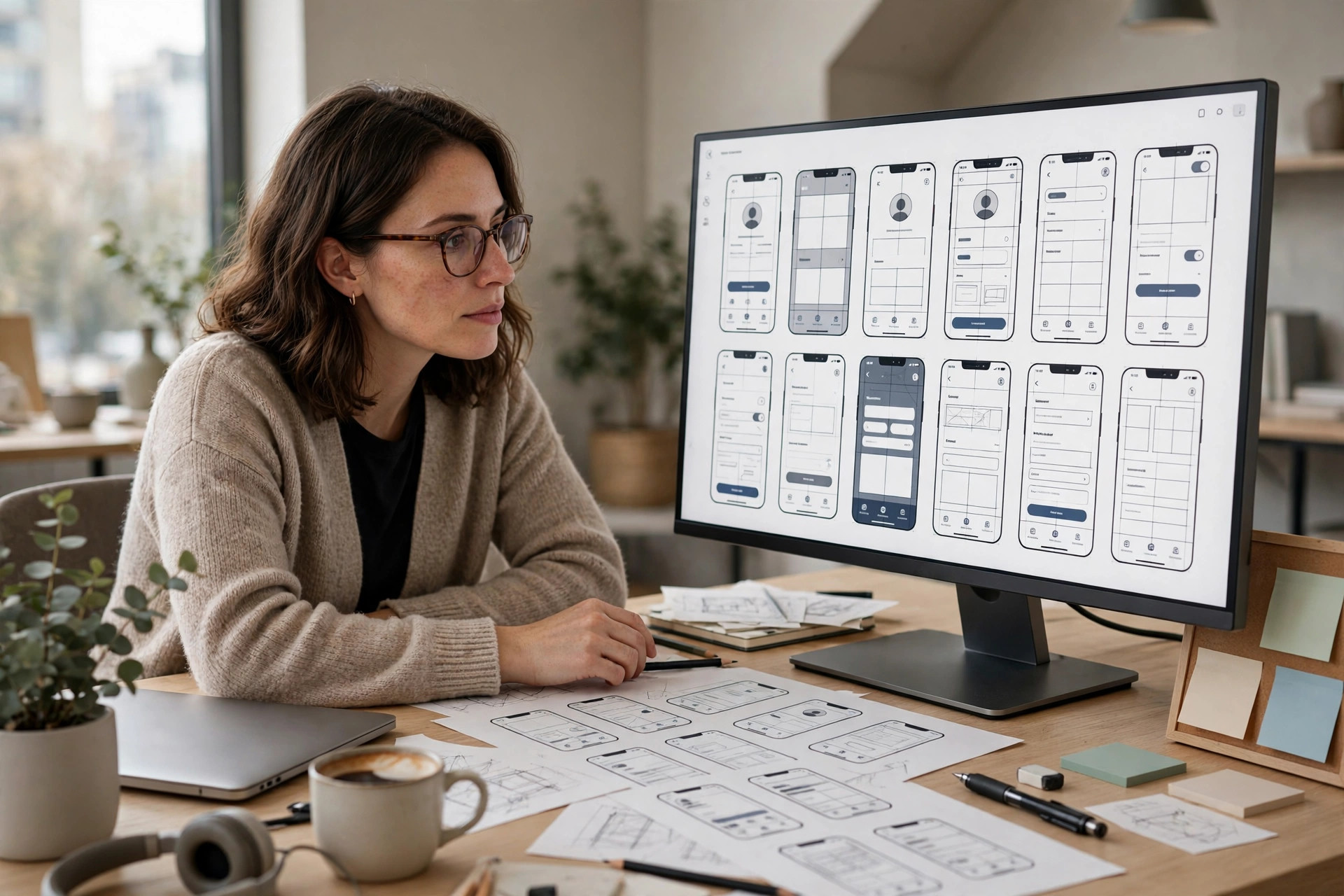
AI has moved from a novelty in UX design to a daily working tool. In 2026 the best AI tools for UX designers generate screens from a written brief, turn sketches into clickable prototypes, critique a flow before users ever see it, and hand clean code to developers. Designers surveyed in 2026 report prototyping around 35% faster with AI in the workflow, and Figma remains the most-used design tool by a wide margin. Here are the 10 best AI tools for UX designers in 2026, ranked by how well they fit a real design workflow, with real prices checked in November 2026.
Best AI Tools for UX Designers 2026: The Top 10 Ranked
10. Maze — best for testing designs with real users. Maze turns a Figma prototype into a remote usability test, collecting task success rates, misclicks and heatmaps without a moderated session. It closes the loop between AI-generated screens and evidence about whether they actually work. Use it after any AI tool on this list produces a prototype worth validating.
9. Claude — best AI design partner. Claude is now the second most-used tool among designers after Figma itself, and Anthropic's Claude Design research preview (April 2026) generates screens and iterates on them conversationally. It is strongest as a thinking partner: critiquing a flow, rewriting microcopy, and drafting user stories. Claude Pro starts at $20 a month.
8. Magician for Figma — best in-canvas AI. Magician puts AI directly inside your existing Figma canvas, generating icons, images and copy without leaving the file. It suits teams that want AI assistance without adopting a second tool. The output stays as real Figma layers, so there is no export step at all.
7. Anima — best Figma-to-code handoff. Anima converts finished Figma files into clean React and HTML, so developers receive working code instead of static screenshots. Paid plans start at $20 per seat a month, with a free tier covering five imports. Pick it when handoff quality, not generation speed, is your bottleneck.
6. v0 by Vercel — best code prototype. v0 turns a prompt into a working, clickable prototype in real code, not just a picture of one. The Plus plan costs $30 per user a month, and the free tier allows seven messages a day. It is the fastest way to test an idea with real interactions before committing design time.
5. Visily — best screenshot-to-design. Visily converts a screenshot into an editable design and generates wireframes from text, aimed squarely at people who need a real screen today. The Pro plan costs $11 per editor a month on annual billing, with 300 free AI credits a month. It is a strong pick for product managers who design occasionally.
4. Uizard — best for non-designers. Uizard's Autodesigner turns a written description, sketch or screenshot into a clickable prototype in a drag-and-drop editor. The Pro plan costs $12 a month on annual billing, with three free AI generations a month. Note that Uizard, acquired by Miro in 2024, has no native Figma export, so it fits validation work better than production files.
3. UX Pilot — best for full UX flows. UX Pilot generates multi-screen flows with a built-in AI design critique, so it thinks about structure and usability logic rather than one pretty screen. The Standard plan costs around $14 a month, with 45 free credits to start. Choose it when you need a coherent journey, not a single hero screen.
2. Google Stitch — best free AI UX tool. Stitch is Google's free text-to-UI generator inside Google Labs, running on Gemini 2.5 Pro, and it absorbed the Galileo AI team in 2025 — the standalone Galileo product no longer exists. It offers around 350 standard generations a month with no paid plan yet, plus multi-screen generation and interactive previews. For fast concepting at zero cost, nothing beats it.
1. Figma Make — best AI tool for UX designers overall. Figma Make generates screens from a prompt using your real component library, and the on-canvas Figma agent went generally available in October 2026. Because the output is real Figma layers with auto-layout, there is no export step and no fidelity loss. AI features are bundled into paid seats — Professional from $16 per seat a month on annual billing — with 150 free AI credits a day.
How to Choose the Right AI UX Tool
Match the tool to the job, not the hype. If you already live in Figma, Figma Make is the obvious default. If you need a free concept engine, start with Google Stitch. Non-designers validating an idea should reach for Uizard or Visily, while teams that need a coded prototype should test v0. Always validate AI output with real users — a generated screen is a first draft, not a finished design.
Related guides on NextGenAIVibe
- Lovable vs Bolt vs v0: Best AI App Builder 2026
- 7 AI Prompts for UX Designers: Daily UX Pack 2026
- Wix vs Framer vs Squarespace: Best AI Website Builder 2026
Tags: #AITools #UXDesign #Figma #UIDesign #ProductDesign #AI #DesignTools #Productivity

Comments (0)