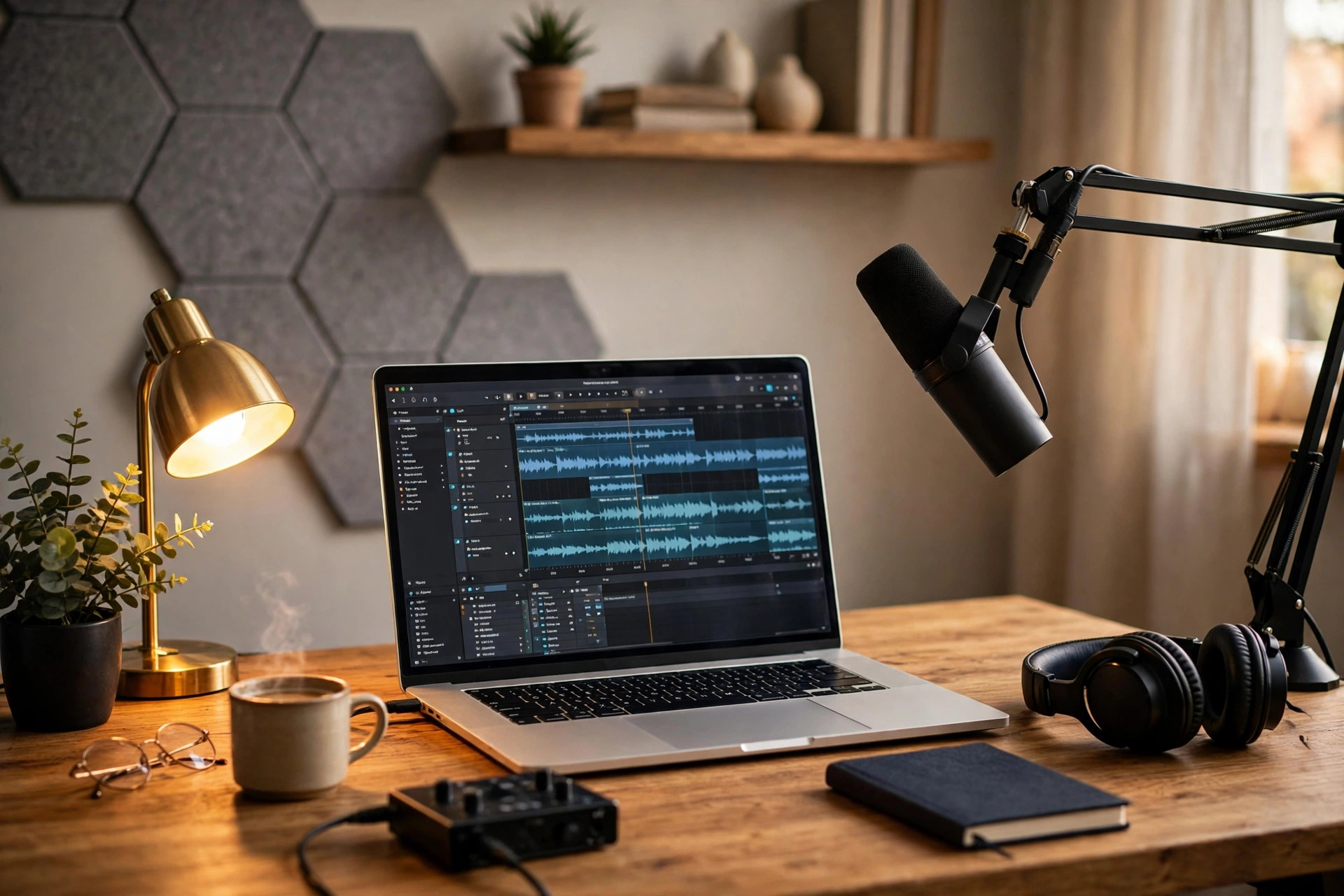
Starting a podcast used to mean buying expensive gear, learning audio software and spending hours editing. In 2026, AI handles most of the heavy lifting: it can research your topic, draft your script, clean up your audio, write your show notes and even cut clips for social media. Follow these seven steps and you can record, edit and publish your first episode in a single weekend.
What you need before you start: a quiet room, a USB microphone (or even your phone's earbuds to begin with), a free Google account for NotebookLM, and a topic you can talk about for at least ten episodes.
Step 1: Plan Your Show with AI
Before you record a word, define your show. Ask ChatGPT, Claude or Gemini to help you brainstorm: give it your niche, your target listener and the promise of each episode, then ask for 20 episode ideas. Pick the ten strongest and turn the best one into your pilot episode. A tight concept matters more than fancy gear — listeners stay for the ideas, not the microphone.
Step 2: Research and Outline in NotebookLM
Google's NotebookLM is free and is one of the best research tools for podcasters. Upload articles, reports or past episode transcripts as sources, then ask it to pull out the most interesting angles and build a structured outline with talking points. It can even generate an Audio Overview — a two-host spoken discussion of your sources — which is a great way to hear how your topic sounds before you write a word.
Step 3: Write a Script That Sounds Spoken
A podcast script is not an article. Ask your AI assistant for an outline first — cold open, intro, three segments, recap and one call to action — then ask for a draft written for the ear: short sentences, signposts such as "here is the key idea", and natural transitions. Then do a human pass: read it aloud, cut anything that sounds stiff, and add your own stories and examples. AI writes the structure; you supply the voice.
Step 4: Record with Riverside
For solo episodes, record straight into Descript or your phone's voice recorder. For remote guests, Riverside is the standard choice: it records every participant locally on their own device in up to 4K video, so a shaky internet connection never ruins the audio. The free plan covers two hours of multitrack recording, and paid plans start at $24 a month billed annually. Record in a small, soft-furnished room and keep the microphone about a hand's width from your mouth.
Step 5: Edit by Editing Text in Descript
Descript turns your recording into a transcript, and editing the text edits the audio. Delete a rambling sentence and it disappears from the recording. One click removes filler words such as "um" and "you know", and Studio Sound polishes rough audio so it sounds closer to a studio recording. The free tier includes one hour of media a month; the Hobbyist plan costs $16 a month billed annually. Export your finished episode as an MP3 at 128kbps.
Step 6: Polish the Audio and Add AI Voices
If your room was noisy, run the exported audio through Adobe Podcast Enhance — free for one hour of enhancement a day — and it will strip background noise and echo. For a professional intro and outro, ElevenLabs can clone your voice from a short recording and generate consistent intros for every episode; its free tier covers about ten minutes a month, with paid plans from $6 a month. Keep intros under 20 seconds so listeners reach the content fast.
Step 7: Publish and Promote Your Episode
Upload your MP3 to a podcast host such as Buzzsprout (from $12 a month), which distributes your show to Spotify, Apple Podcasts and everywhere else through one RSS feed. Add a clear title, a keyword-rich description and episode artwork. Then use your AI assistant to turn the transcript into show notes, a blog post and social captions, and cut short clips with Opus Clip (paid plans from $15 a month) for TikTok, Reels and Shorts. Publish on a schedule you can keep — weekly beats ambitious and irregular every time.
Pro tip: record three episodes before you publish the first one. A small backlog removes the pressure of a weekly deadline and lets you improve your format after hearing yourself back — the fastest way to get better is to listen to your own show critically.
Related guides on NextGenAIVibe
- How to Create an AI Podcast with NotebookLM (2026 Guide)
- 10 Best AI Podcast Tools in 2026: Tested & Ranked
- Krisp vs Cleanvoice vs Adobe Podcast: Best AI Noise Removal 2026
Tags: #HowTo #AITools #Podcasting #Descript #Riverside #NotebookLM #ContentCreation #Productivity

Comments (0)