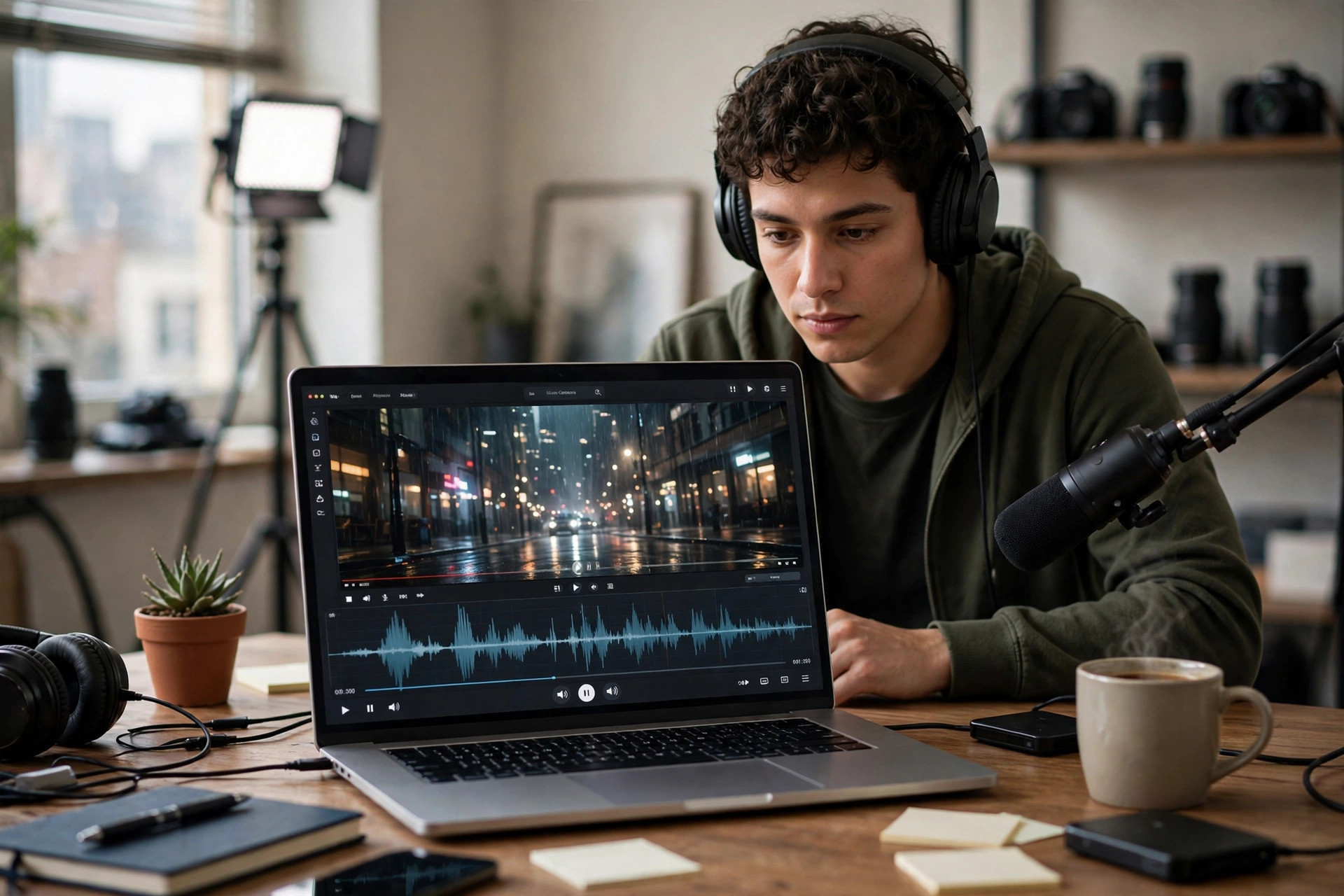
Sora 2 is OpenAI's text-to-video model, and it turns a short written description into a realistic video clip — complete with synchronised sound, dialogue and ambient audio. If you have ever wanted to storyboard an advert, animate a product shot or test a film idea without a camera crew, this is the tool to learn. Here is how to use Sora 2 in 2026, from access to your first finished clip, in seven clear steps.
What you need before you start: a ChatGPT Plus or Pro subscription, an OpenAI account, and a clear idea for a 10–20 second clip. Sora 2 runs in the browser at sora.com and through the Sora app on iOS.
How to Use Sora 2 in 2026: The 7-Step Guide
Step 1: Get access to Sora 2. Go to sora.com and sign in with your ChatGPT Plus or Pro account. If you are on an iPhone or iPad, you can also download the Sora app and sign in with the same OpenAI account. Availability and credit limits change, so check the Sora page on openai.com if anything looks different.
Step 2: Pick your generation mode. Sora 2 offers three starting points. Text-to-video is the fastest way to explore ideas from scratch. Image-to-video animates a reference frame you upload, which keeps a subject or product looking consistent. Video-to-video restyles existing footage or extends a clip. For your first video, start with text-to-video.
Step 3: Write your prompt like a shot list. A strong Sora 2 prompt reads like a single shot description, not a paragraph. Use this structure: [subject] [action] in [setting], [style], [camera], [lighting], [motion]. For example: "A woman in a red coat walks through a narrow cobblestone street in Paris, cinematic, slow tracking shot, golden hour lighting, gentle camera drift, single continuous shot, no text overlays." Mention sound too — Sora 2 generates dialogue and ambient audio from your description.
Step 4: Choose your aspect ratio and settings. Pick 16:9 landscape for YouTube videos and presentations, or 9:16 portrait for Reels, TikTok and Shorts. Sora 2 also offers standard and Pro quality options, and a Storyboard mode that lets you define keyframes at set timestamps so the clip follows your shots in order.
Step 5: Generate and review several takes. Hit generate and wait a few minutes. Professional creators treat AI video like real production: generate four to ten variations of the same shot and keep the best one. Small wording changes — a different camera move, a tighter subject — can transform the result, so iterate rather than settling for the first take.
Step 6: Try Cameo mode to star in your own clip. If you want to appear in a video yourself, record the short cameo clip Sora asks for (face and voice, around 10 seconds). Then mention yourself in the prompt — "John walks on stage and waves as the crowd cheers" — and Sora 2 recreates your appearance and voice in the scene. Only ever use your own likeness, or one you have clear permission to use.
Step 7: Download, edit and share. Once you are happy with a clip, download it from Sora. Sora is a generation tool, not an editor, so finish the work in a video editor: trim the best take, add captions, music and your branding, then export for your platform of choice.
Pro Tips for Better Sora 2 Videos
Keep each prompt to one shot — Sora 2 handles a single continuous action far better than a scene with three cuts. Describe the sound you want explicitly, because silent-looking prompts often come back with generic audio. And save your best prompts: a small library of proven shot formulas (subject, action, setting, style, camera, lighting) makes every future generation faster.
What Sora 2 Cannot Do Yet
Sora 2 clips are short, typically 10–20 seconds, and longer stories need several clips stitched together. Hands, fast action and complex physics can still look off, so review every take before publishing. Access is tied to a paid ChatGPT plan, and daily credits limit how many generations you can run — plan your shots before you spend them.
Related guides on NextGenAIVibe
- How to Create AI Videos with Google Veo 3 in 2026: 7 Steps
- How to Use ChatGPT Atlas in 2026: 7 Steps
- ChatGPT Atlas vs Comet vs Dia: Best AI Browser 2026
Tags: #Sora2 #AITools #AIVideo #OpenAI #HowTo #VideoCreation #AI #Guides

Comments (0)