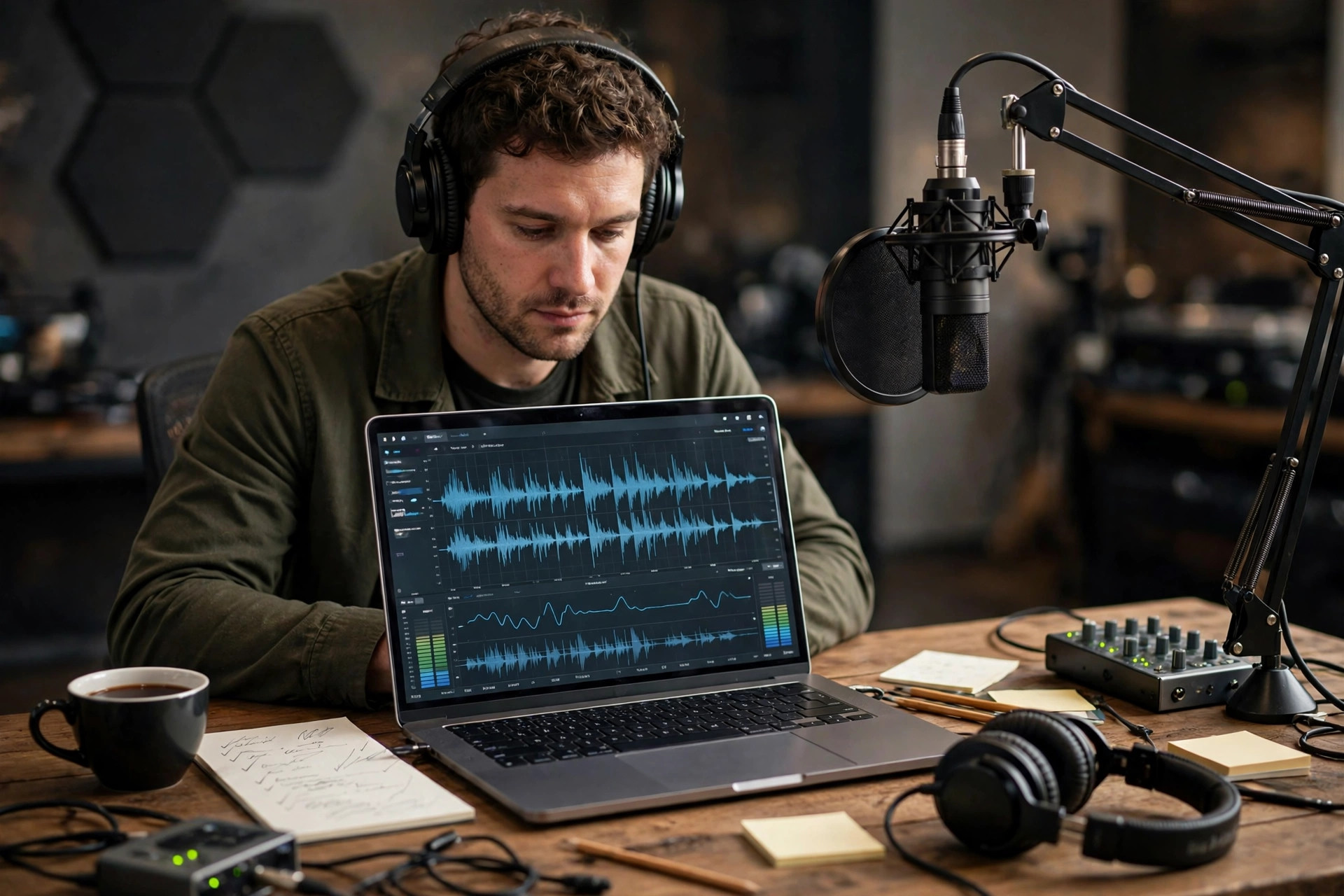
Podcast production is rarely just recording. After the conversation ends, there is guest follow-up, transcript clean-up, show notes, chapters, clips, titles and promotion. These AI prompts for podcast producers turn one edited transcript into the assets you need, while keeping names, timestamps and claims under your control.
AI prompts for podcast producers: start with a clean transcript
Edit the episode before you repurpose it. A misspelled guest name or wrong timestamp in the transcript will copy itself into captions, posts and emails. Use your recorder or editor transcript first, then paste the corrected text into ChatGPT, Claude or Gemini with the show name, audience and episode goal.
Seven copy-paste prompts for the production desk
1. Guest research brief
Use case: prepare sharper questions before recording.
Act as a podcast producer. Research brief for guest [NAME], [ROLE]. Audience: [AUDIENCE]. Give me: 5 interview angles, 10 questions from easy to challenging, 3 facts to verify, and topics to avoid. Flag anything uncertain instead of guessing.2. Episode outline from source notes
Use case: turn research into a recordable running order.
Create a podcast outline from these notes: [PASTE NOTES]. Return a cold open, 4 segments with timings, one story beat per segment, transition lines, and a closing call to action for [AUDIENCE]. Keep it practical and specific.3. Show notes and chapters
Use case: package the finished episode for podcast apps and YouTube.
From this transcript, write: a 2-sentence summary, 5-7 show-note bullets, 5 chapter titles with timestamps, 3 key quotes, and links or resources mentioned. Do not invent timestamps; mark any estimate clearly. Transcript: [PASTE]4. Title and description options
Use case: improve click-through without clickbait.
Give me 8 episode titles under 60 characters and 3 descriptions under 150 words for this episode. Primary keyword: [KEYWORD]. Audience: [AUDIENCE]. Avoid hype, keep promises accurate, and rank the options by clarity.5. Clip finder for Shorts and Reels
Use case: find moments worth cutting before you open the editor.
Read this transcript and find 7 clip-worthy moments. For each: start/end timestamps, hook line, why it works, suggested caption, and one risk to check for context. Prefer complete thoughts over shocking fragments.6. Social and newsletter promo pack
Use case: promote one episode across channels in one pass.
Turn this episode summary into: 1 LinkedIn post, 1 X post, 1 Instagram caption, 1 newsletter paragraph and 3 audiogram lines. Keep the guest name exact: [NAME]. Tone: helpful, specific, no exaggerated claims.7. Producer quality check
Use case: catch errors before the episode goes live.
Audit this episode package like a producer. Check names, titles, timestamps, repeated claims, missing links, unclear chapters and any statement that needs a source. Return fixes in priority order. Package: [PASTE]Producer workflow that keeps AI honest
Use AI for drafting, not for final facts. Check every name spelling, chapter time, statistic and sponsor line yourself. If a prompt asks for research, verify the source before recording; if it summarises a transcript, spot-check the quotes against the audio. The fastest workflow is simple: record, edit, correct the transcript, run the prompts, then publish the package.
Related guides on NextGenAIVibe
- How to Create a Podcast with AI in 2026: 7 Steps
- 10 Best AI Podcast Tools in 2026: Tested & Ranked
- 7 AI Prompts for Podcasters: Daily Prompt Pack 2026
Tags: #AIPrompts #Podcasting #ChatGPT #Claude #ContentCreation #Productivity #AITools

Comments (0)